
━━━━━━━━━━━━━━━━━━━━
🇹🇷 TÜRKÇE
━━━━━━━━━━━━━━━━━━━━
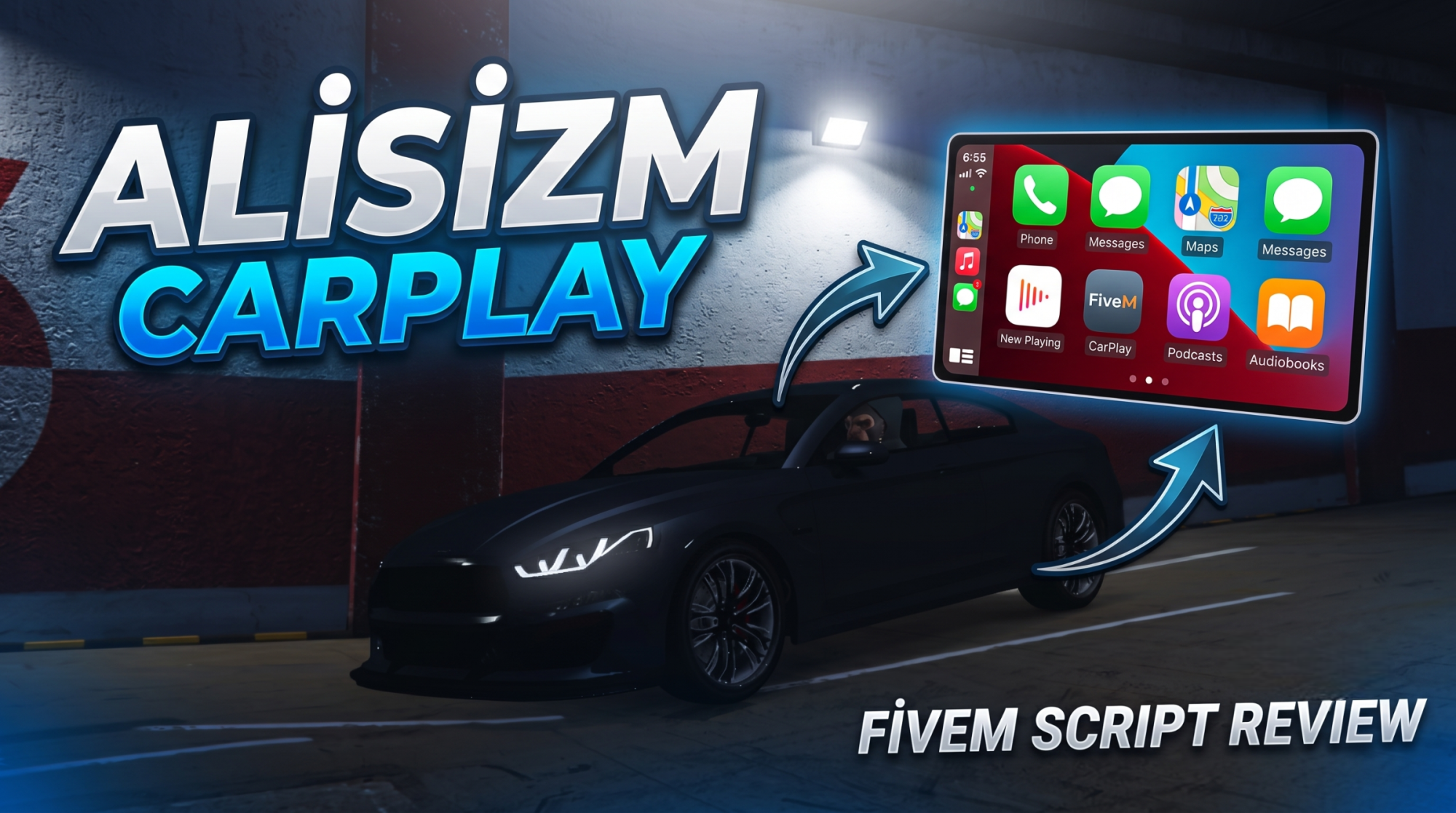
Alisizm CarPlay — FiveM Araç İçi Apple CarPlay Müzik Sistemi
Aracınıza gerçek Apple CarPlay deneyimi getiren, item tabanlı ve tamamen senkronize bir müzik sistemi. YouTube linkini yapıştırın, müziği başlatın; araçtaki ve yakındaki tüm oyuncular 3D pozisyonel ses ile aynı anda dinlesin.
Özellikler
• Apple CarPlay temalı, ekranın sağ altında konumlanan modern arayüz
• Kapak fotoğrafının baskın rengine göre panel arka planı otomatik renklenir (CarPlay ambient)
• Item tabanlı kurulum: item kullanılınca araca CarPlay kurulur, plaka SQL'e kaydedilir
• /carplay komutu (opsiyonel) ile sadece kurulu araçlarda menü açılır
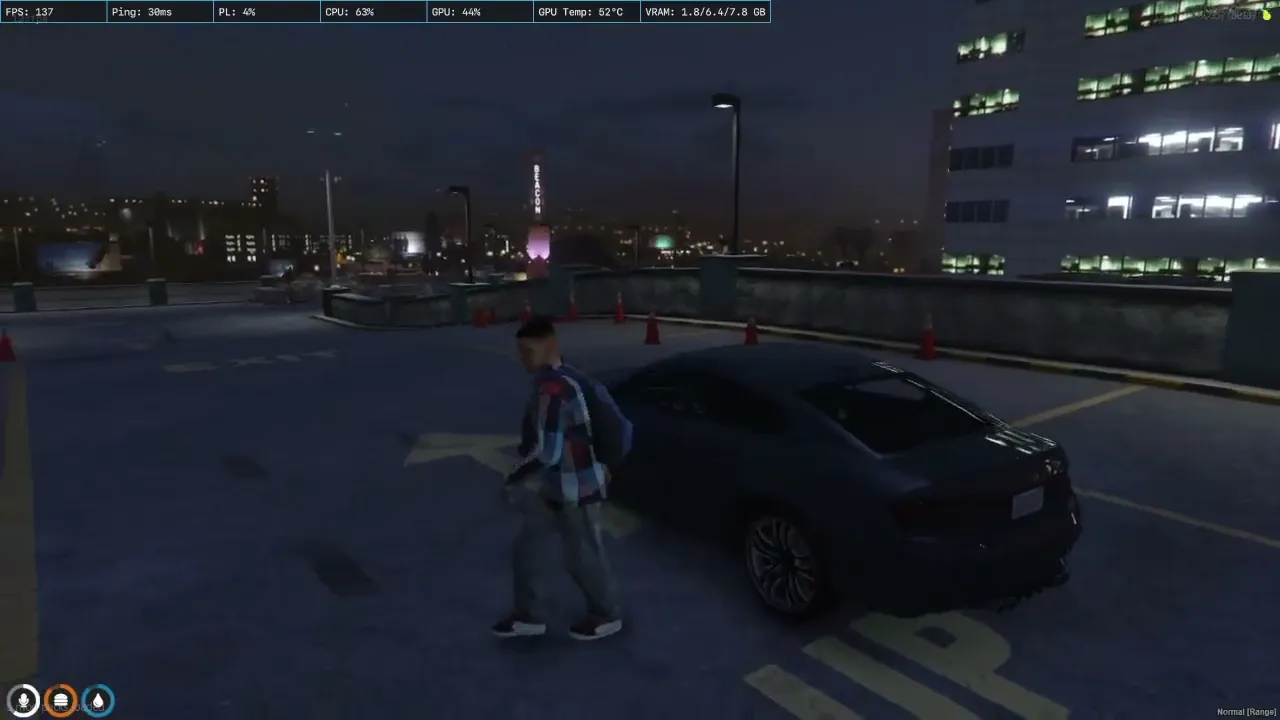
• 3D pozisyonel ses: müzik araçtan çıkınca durmaz, yakındaki oyuncular da duyar
• Kapı durumuna göre ses profili: kapı kapalı = kısık/boğuk, kapı açık = net ses
• Server otoriteli zaman senkronu: uzaklaşıp geri dönünce müzik kaldığı yerden devam eder
• Şarkı sırası (queue) sistemi
• OneSync + State bag tabanlı, yüksek optimizasyon (0.00–0.02ms)
• QBCore ve ESX desteği
• Türkçe / İngilizce dil dosyaları
• Kolay kurulum: hazır SQL + QB ve ox_inventory item kodları
Bağımlılıklar
• xsound (zorunlu)
• oxmysql (zorunlu)
• OneSync (zorunlu)
• qb-core veya es_extended (birine ihtiyaç var)
• olisound (opsiyonel — gerçek lowpass/boğukluk efekti için)
Kurulum
1. SQL dosyasını içe aktarın (veya resource ilk başlarken otomatik oluşturur)
2. Item kodunu envanterinize ekleyin (QBCore ve ox_inventory kodları dahildir)
3. config.lua üzerinden framework, dil ve ses ayarlarını yapın
4. server.cfg'ye ekleyin ve başlatın
Koruma
Escrow korumalıdır. Yalnızca config.lua, README, SQL ve kurulum dosyaları açıktır; script mantığı şifrelidir.
Destek: https://discord.gg/pWaH56XcWS
━━━━━━━━━━━━━━━━━━━━
🇬🇧 ENGLISH
━━━━━━━━━━━━━━━━━━━━
Alisizm CarPlay — FiveM In-Vehicle Apple CarPlay Music System
An item-based, fully synced in-vehicle music system that brings a real Apple CarPlay experience to your car. Paste a YouTube link, start the music, and every player inside and nearby hears it at the same time with 3D positional audio.
Features
• Modern Apple CarPlay themed UI, docked to the bottom-right of the screen
• Panel background auto-tints to the album art's dominant color (CarPlay ambient)
• Item-based install: using the item installs CarPlay on the vehicle, plate saved to SQL
• Optional /carplay command opens the menu only on vehicles with CarPlay installed
• 3D positional audio: music keeps playing after you leave the car; nearby players hear it
• Door-based sound profile: doors closed = quiet/muffled, doors open = clear audio
• Server-authoritative time sync: walk away and return, music resumes where it left off
• Song queue system
• OneSync + state bag based, highly optimized (0.00–0.02ms)
• QBCore and ESX support
• English / Turkish locales
• Easy setup: ready SQL + QBCore and ox_inventory item codes
Dependencies
• xsound (required)
• oxmysql (required)
• OneSync (required)
• qb-core or es_extended (one required)
• olisound (optional — for true lowpass/muffle effect)
Installation
1. Import the SQL file (or let the resource auto-create the table on first start)
2. Add the item code to your inventory (QBCore and ox_inventory codes included)
3. Configure framework, language and audio settings in config.lua
4. Add to server.cfg and start
Protection
Escrow protected. Only config.lua, README, SQL and install files are open; the script logic is encrypted.
Support: https://discord.gg/pWaH56XcWS